
Make a photo book that keeps your Google Photos descriptions.
Import your Google Takeout photos and their JSON files together. PhotoBook.page matches your existing descriptions to the photos, ready to use as captions. Edit your pages and export a PDF, all on your device.
Your photos are processed in your browser and aren’t uploaded by PhotoBook.page.
A summer worth keeping.
01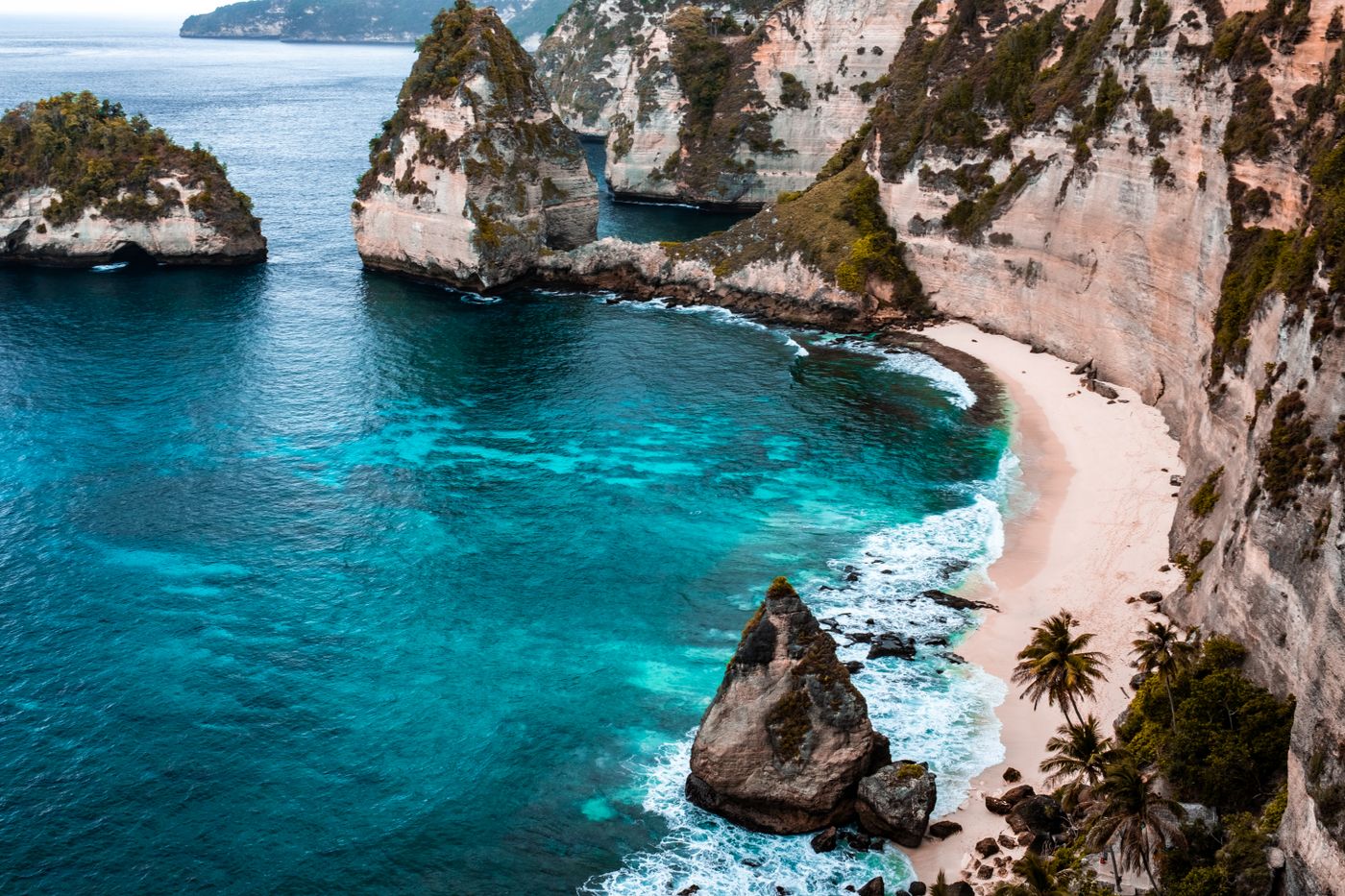
Salt in the air. Sand between our toes.
02“Salt in the air. Sand between our toes.”
Kept with the photo, ready for your book.Keep both in your extracted Takeout folder.
The words you wrote stay with their photos.
Arrange the pages and edit captions your way.
Bring your memories along.
Choose a folder, or a handful of photos. Google Takeout descriptions are automatically matched to their photos when you import the folder with its JSON files. See how to export from Google Photos ↓
Browse 10 ready-to-use designs before adding your photos.
Good moments start here.
Drop a photo folder here, or choose from your device.
JPG, PNG, WebP, HEIC & more
Pick up where you left off.
Open a locally saved project to restore its photos, settings, and edits.
Keep the story. Make the pages yours.
Bring your photos
Start with an ordinary photo folder or a Google Takeout export. Keep the JSON files to bring existing descriptions along.
Shape your book
Choose a design, adjust the layouts, and edit the captions. Preview your pages before exporting.
Save it to keep
Download a complete draft to continue later, or export a PDF to share and print.
Privacy first, by design.
Your photos and book creation stay on your device, processed locally in your browser. PhotoBook.page doesn’t upload your selected files.
Save locally. Pick up later.
Use Save draft to download your complete project, including photos and edits. Reopen it with Open draft file to resume.
Save before refreshing or closing this page. Unsaved progress will be lost.
Bring your descriptions along.
Export your Google Photos with Takeout and keep the accompanying JSON files. Our guide walks through the export, import, and caption checks.
Make a photo book with text and captions.
Start with ordinary photos, write the memories beside them, and export a PDF to keep.
Before you make your book
Can I keep my Google Photos descriptions?
Yes. Export your photos with Google Takeout, unzip the download, and keep the photos with their accompanying JSON metadata files. PhotoBook.page matches available descriptions to their photos. Missing metadata or unmatched files may leave a caption empty.
Does PhotoBook.page upload my photos?
PhotoBook.page processes your selected photos and metadata locally in your browser. It does not upload them to a cloud service. A connection is still needed to load the website and sample assets.
Can I use photos from another source?
Yes. Choose a photo folder or select individual photos from your device. Importing Google Photos descriptions requires the accompanying Takeout JSON files.
Can I continue editing later?
Use Save draft to download a project file containing your photos, settings, and edits. Reopen it with Open draft file. Save before refreshing or closing the page; unsaved progress will be lost.
Can I print the book?
Export a PDF and check your printing service’s page-size, bleed, and binding requirements before ordering. PhotoBook.page does not order or ship printed books.
Your photos already have a story.
Bring the pictures and the words into your next photo book.